Instant Alerts and Campus Safety Contacts
Review the Instant Alert options in your Student Ally account so you know who the app can contact when you need help.
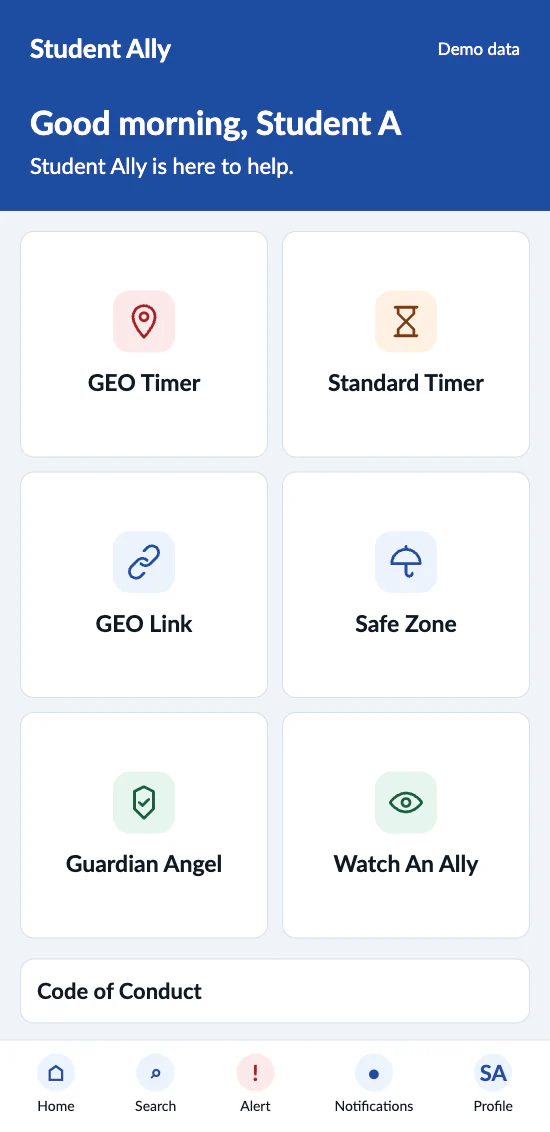
Check your available contacts
Review your emergency contacts and the options your school makes available. Campus safety participation and response procedures vary by school.
Understand location sharing
Your app may offer location sharing as part of an alert. Review the recipients and permissions when setting up the app.
Find your campus safety options
Visit your school’s public safety page to see the Student Ally features available on your campus and where to find help.
Common questions
Where can I see my school’s instructions?
Your school’s public safety website can explain which Student Ally tools it supports and how its team handles incoming alerts.
Get the Student Ally app
Download the app and follow the access instructions from your school.