Campus Safety App for College Students
Share a trip with someone you trust, check in when you arrive or find your school’s reporting and training tools in one app.
Explore the tools
Guardian Angel
Invite a trusted contact to follow your location during a walk, ride or other trip with Student Ally’s Guardian Angel.
GEO Link
Set up a proximity zone with friends using GEO Link in the Student Ally mobile safety app.
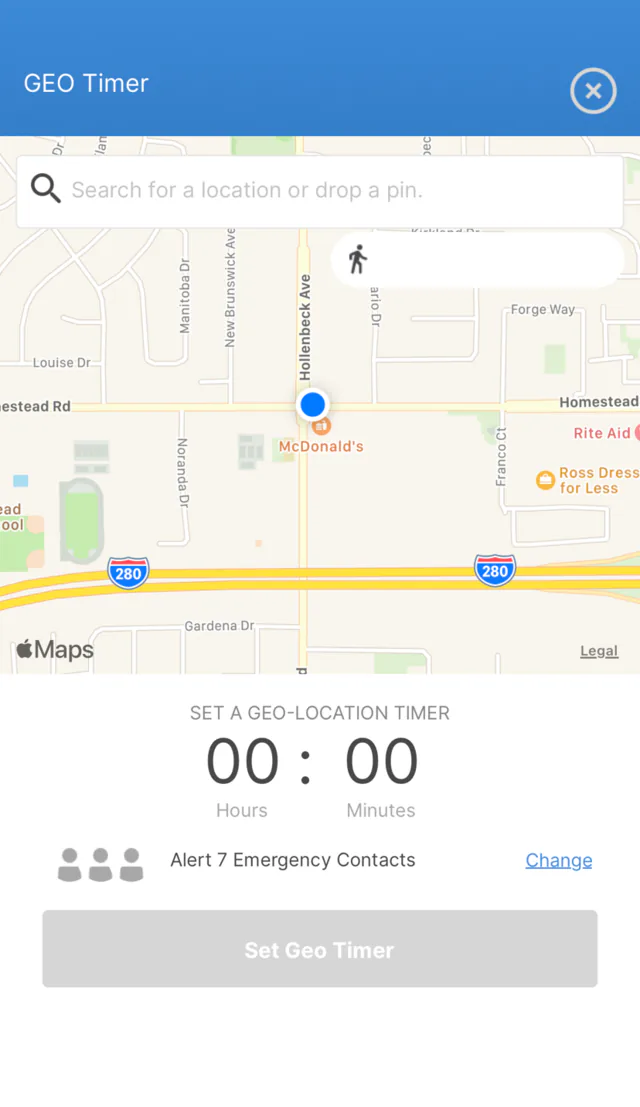
GEO Timer
Learn how to set a GEO Timer in the Student Ally app. Choose a destination and arrival window, then review your emergency contacts before you start.
Standard Timer
Start a safety countdown in Student Ally without choosing a map destination.
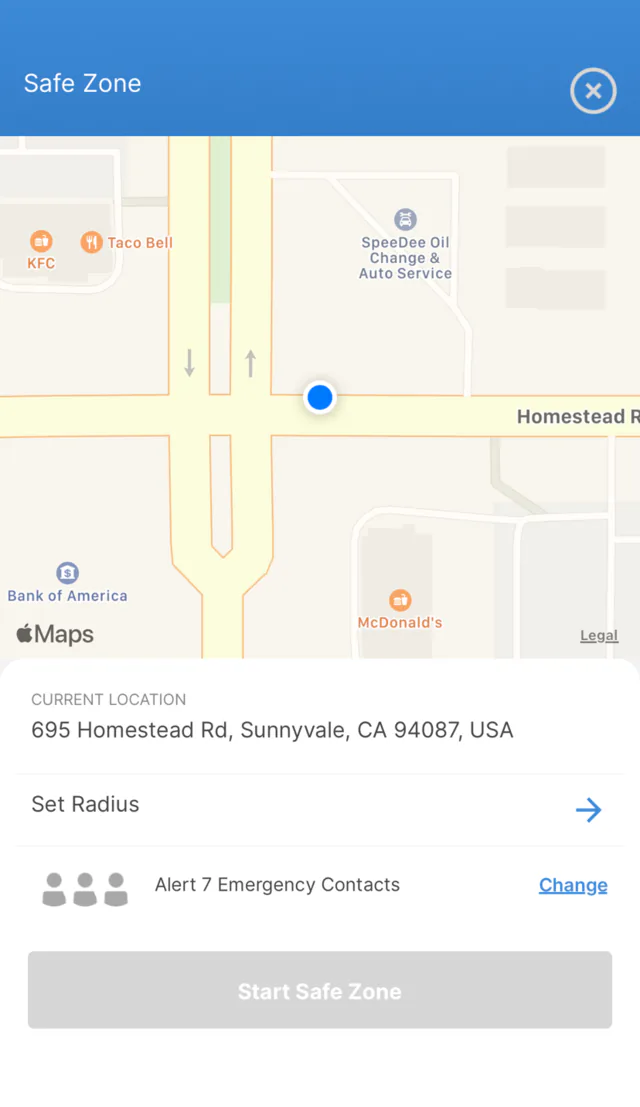
Safe Zone
Set a boundary around a place and choose who should receive an alert if you leave the area during a Student Ally Safe Zone session.
Watch an Ally
See how a trusted contact can follow a Student Ally safety session when another user shares their location.
Instant Alerts
Explore Student Ally’s mobile Instant Alert feature and how available recipients depend on your campus setup.
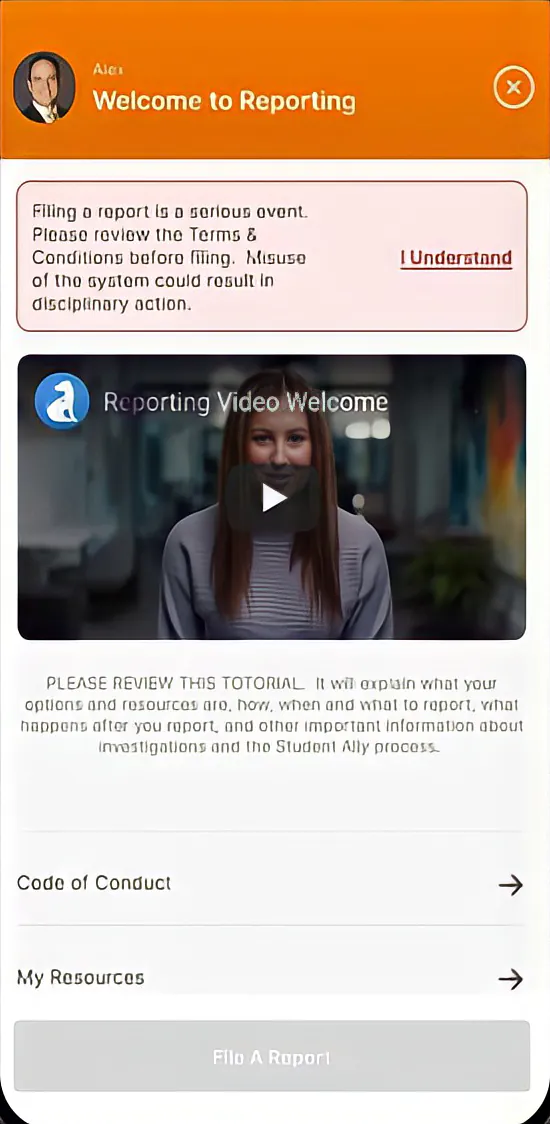
Student Incident Reporting
Learn how to submit a campus incident report with Student Ally and when a school may offer anonymous reporting.
Orientation and Training for Students
Use the Student Ally college orientation app to open school-assigned modules, watch lessons, complete quizzes, and check your progress.
Plan for everyday trips
Choose a tool based on what you need. Invite someone to follow your trip with Guardian Angel, set a destination and arrival window with GEO Timer, or set a countdown without a destination with Standard Timer.
Find the tools your school offers
Participating schools can provide reporting, training and campus safety features through Student Ally. Use the access instructions from your school and check which tools appear in your account.
Common questions
Where can I download Student Ally?
Will every student have the same tools?
Get the Student Ally app
Download the app and follow the access instructions from your school.