Everything your school needs, finally in one place.
Bring training, reporting, case management, and campus safety together in one connected system, so your team can spend less time managing tools and more time supporting students.















One Platform. Less Administrative Work.
Connect the tools students use with the workflows your campus teams manage.
Training That Actually Engages
Customizable, engaging training that reflects your policies, people, and campus.
Reporting Without the Runaround
Make it easy for your campus to report concerns and get the right information to your team.
Case Management, Simplified
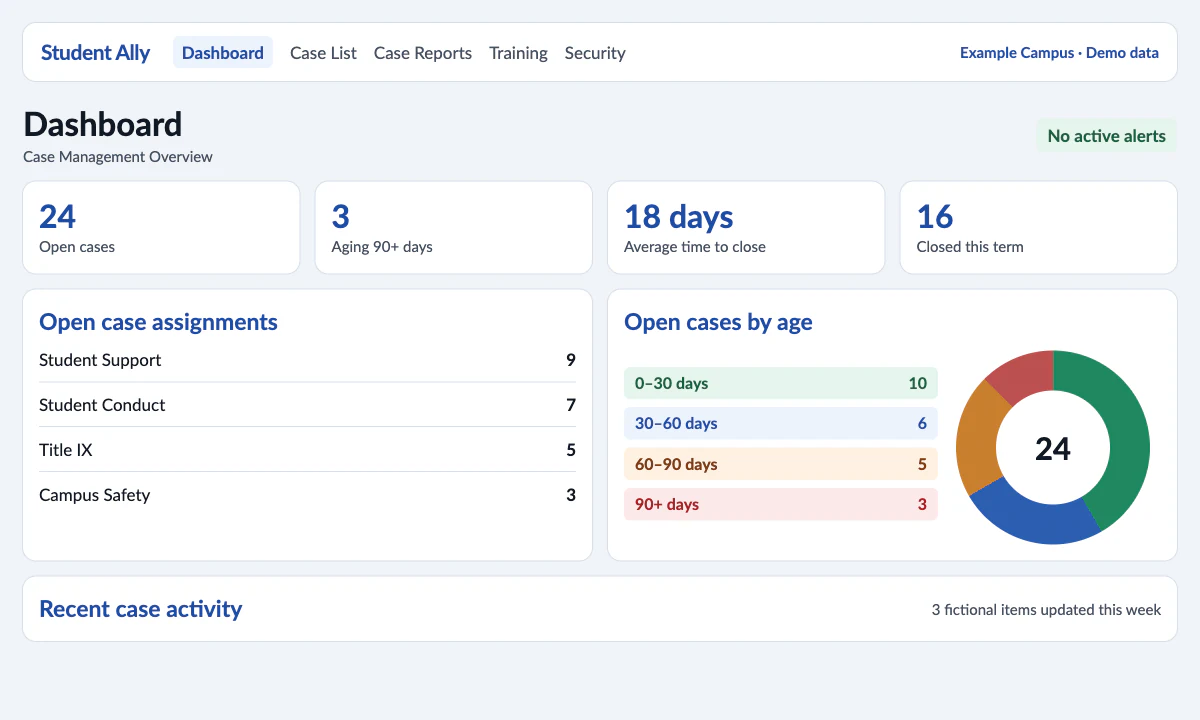
Manage Title IX, conduct, and other student cases in a centralized workspace.
Campus Safety, Connected
Coordinate reporting, response, and outreach with alerts and communication tools for your campus.
Guardian Angel
Invite someone you trust to follow your trip during a walk or ride.
GEO Timer
Choose a destination, set a safety timer, and select your emergency contacts.

Know What Needs Attention. All in One Place.
Centralize reports, monitor case activity, track training, and stay on top of key responsibilities across your campus.
- Manage Title IX, conduct, and civil rights cases with clear workflows and documentation
- Keep your community informed with targeted alerts and communication tools
- See training completion at a glance and follow up where needed
See who receives what you share
Review who can see information when you share a trip, send an alert or submit a school report.

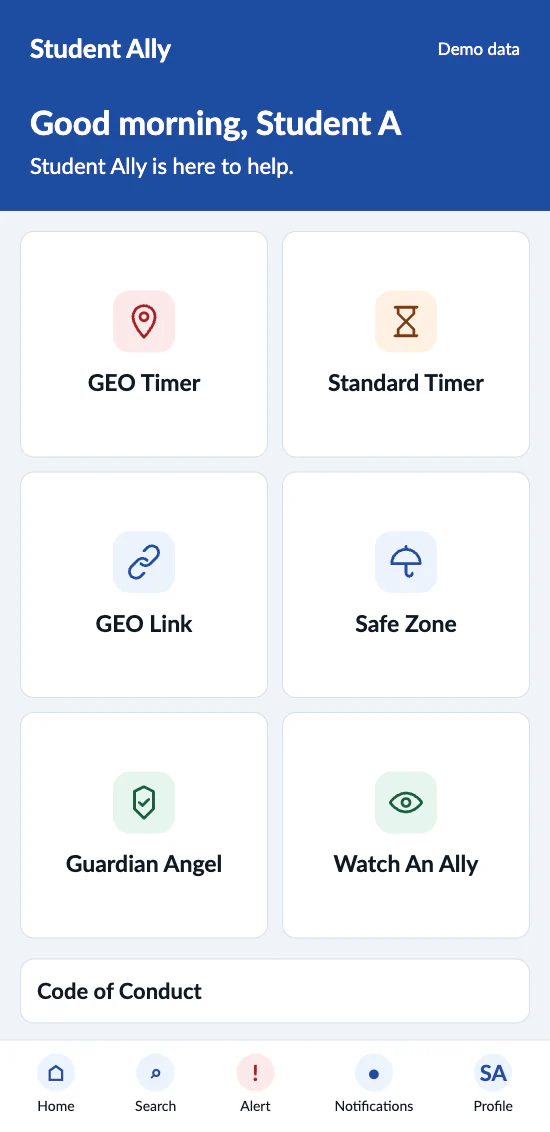
Student Mobile App
Students can check in with trusted allies on the way across campus, share concerns, and complete training assigned by their school.
Up and Running in Three Steps.
Plan
Align on your goals and priorities.
Configure
Tailor the platform to your policies, workflows, and campus needs.
Launch
Introduce Student Ally to your campus with support for your team.
Questions, answered
Who sees a student’s location?
Can reports be anonymous?
Can schools customize their training?
Make Your Next Semester Easier.
Bring training, reporting, case management, and campus safety together in one connected platform.