How to Report a Campus Concern
Use your school’s Student Ally reporting options to tell the appropriate campus team about a concern or incident.
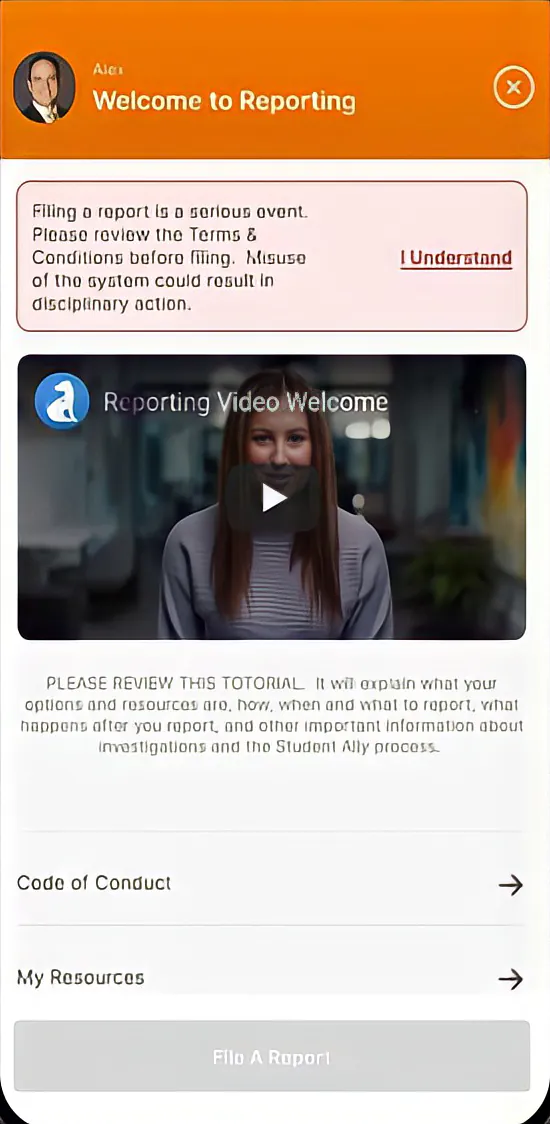
Find the right form
Open the reporting options in the app or follow a reporting link provided by your school. Pick the form that matches your concern.
Review your choices before submitting
Read the form’s instructions about identification and what the school can do with the information. Anonymous reporting is available when the school offers it for that form.
Find out what happens after you report
Check your school’s instructions to see who receives that type of report, where to find resources, and how to follow up.
Common questions
Can I report without sharing my name?
Some schools enable an anonymous option for particular forms. Check the form before you submit.
Who receives a report?
The school determines how it handles submissions. Check the form or the school’s reporting page for information on the receiving office.
Get the Student Ally app
Download the app and follow the access instructions from your school.