College Orientation App for Students
Prepare for college by completing the new student orientation and training your school assigns in the Student Ally app.
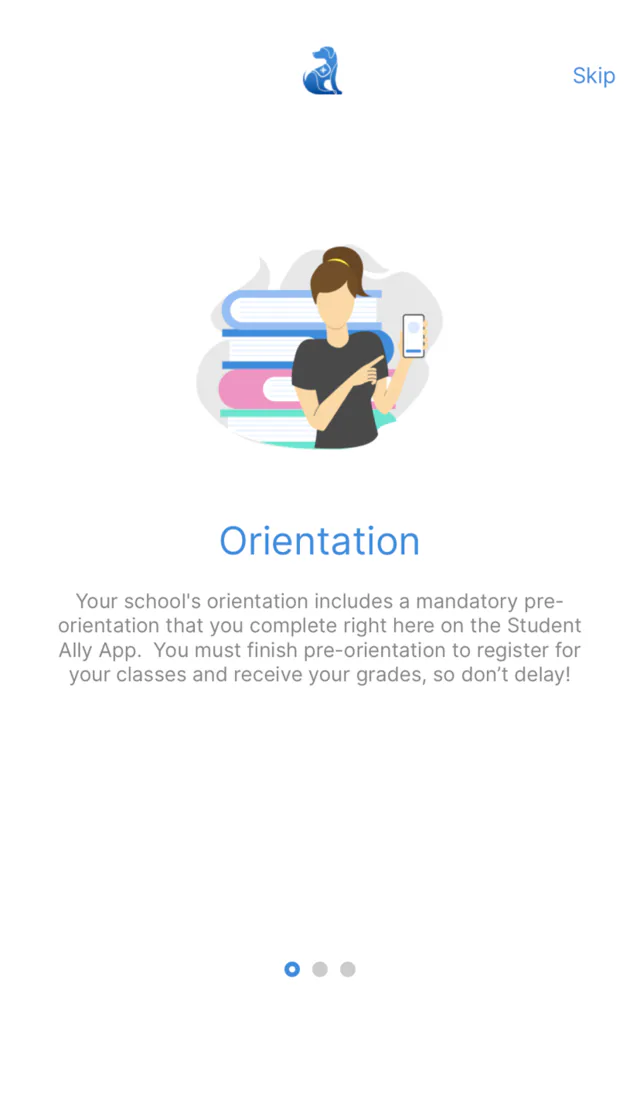
Open your assigned modules
Use your school’s Student Ally invitation or sign-in instructions. Open the training area to find the lessons assigned to your account.
Watch, complete and check progress
Follow the lesson sequence and complete any quizzes. Review your completion status and use the deadlines from your school.
Get help if a course is missing
Confirm you signed in using the school account specified in your invitation. Ask the office that assigned your training if you still cannot find it.
Common questions
Do all students get the same training?
Schools choose which programs to assign. Your modules and deadlines may depend on your school or group.
Get the Student Ally app
Download the app and follow the access instructions from your school.