Safe Zone Alerts for Places You Choose
Set a boundary for a specific place and choose the people you want notified if you leave the area during the session.
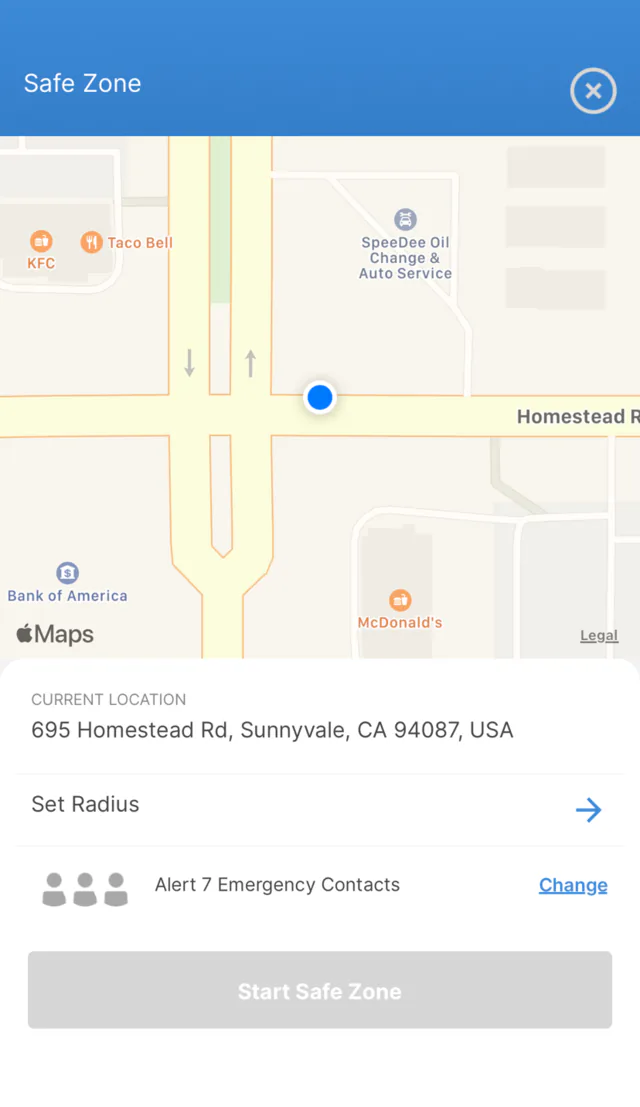
Choose the place and boundary
Set the zone around a fixed location, such as a residence hall or a venue. Review the boundary on the map before starting.
Choose who receives an alert
Select the contacts for the session. Share the plan ahead of time so they know what the alert means and how to reach you.
Review the active session
Location permissions and connectivity affect what the app can detect. Review the session when plans change or you no longer need the zone.
Common questions
How is this different from GEO Link?
Safe Zone uses a fixed place. GEO Link is designed around staying connected with a group.
Get the Student Ally app
Download the app and follow the access instructions from your school.